Combine multiple images into one PDF
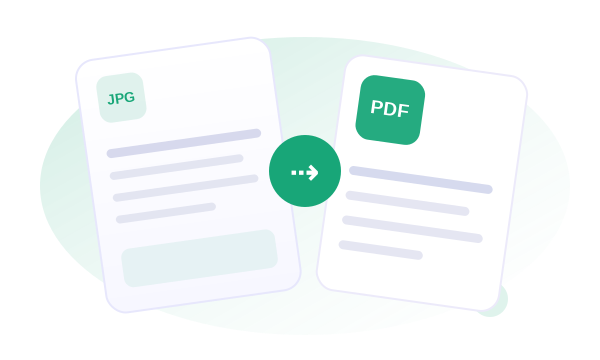
Images to PDF helps you turn photos, screenshots and scanned pages into a single PDF document. Select multiple JPG, PNG or WebP images and create one file that is easier to share, store or print.
How to create a PDF from images
- Select Choose images.
- Select the image files you want to include. You can choose more than one.
- Check the selection and click Create PDF.
- Download the generated PDF and review the page order.
Tips for a clean result
- Choose images with a consistent orientation when possible.
- Use clear, well-lit scans or photos for readable pages.
- Crop unwanted borders before conversion if needed.
- Open the PDF after download to confirm page order and readability.
Frequently asked questions
Can I combine multiple photos into one PDF?
Yes. Select multiple supported image files and create one PDF document.
Can I convert PNG and WebP files?
The tool accepts common image formats including JPG, PNG and WebP. The resulting PDF contains the selected images as pages.
For an existing PDF, see Merge PDFs or PDF to Images.