Reduce the file size of a PDF
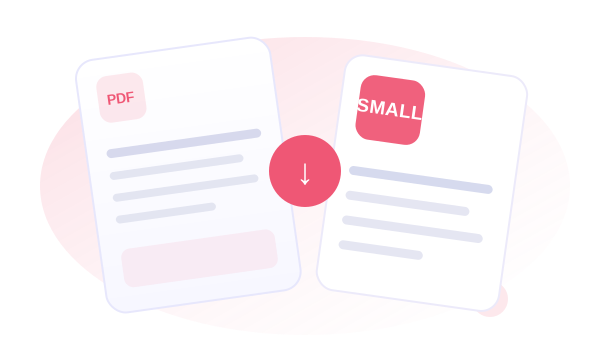
WordToPDF's Compress PDF tool reduces file size by rendering PDF pages to images and rebuilding the document. It can help with scanned or image-heavy PDFs when a smaller file is more important than selectable text.
How to compress a PDF
- Choose the PDF file.
- Adjust the image-quality slider. A lower setting may create a smaller file but can reduce visual clarity.
- Select Compress PDF.
- Download the result and compare it with the original before using it.
Important limitation
This method converts pages into images. Text in the compressed output may no longer be selectable or searchable, and small print may become harder to read. Keep the original PDF. If you need editable text, consider PDF to Word or Image to Text OCR instead.
Frequently asked questions
Will compression always make my PDF smaller?
No. The result depends on the source PDF and the selected image quality. Compare the file sizes after processing.
Will text remain selectable?
Not necessarily. Because pages are rendered as images, selectable text may be lost in the output.